 Cue Maker
iPad · For stage managers
Cue the iPad.From paper script to iPad.
The cues you once pencilled into the script margins now go down with Apple Pencil. Record the run-through, and during the show the app has the next cue ready ahead of time. Cue Maker, built for the stage manager's performance.
- iPadOS 17 or later
- Apple Pencil
- Works offline
- No sign-up
- English & Korean
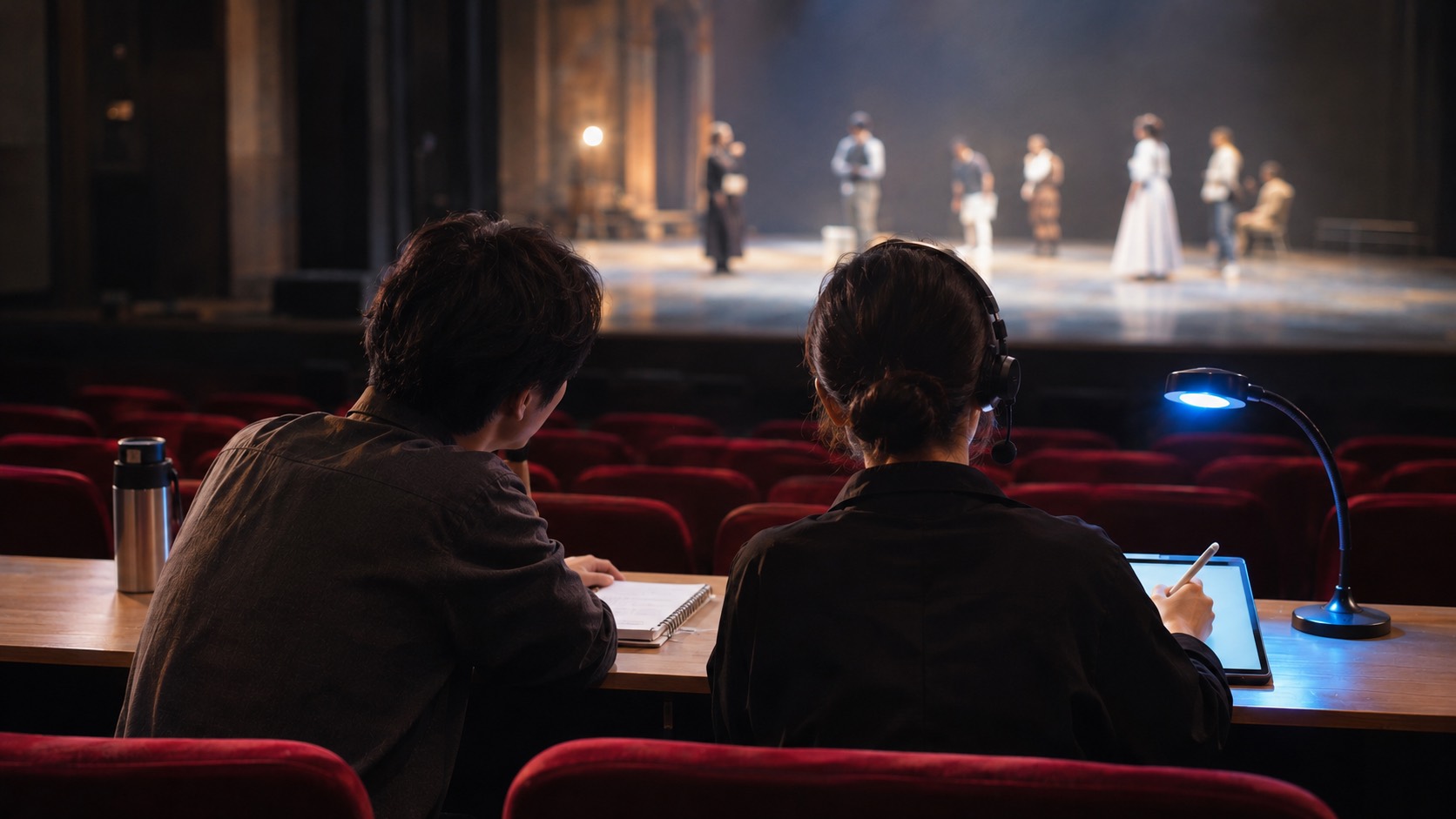
Write cues in the Work tab, time them with REC, call them from the Show tab
From the first rehearsal to the final performance, the screens follow the order you work in.
-
1Work
Mark cues on the script
With Apple Pencil, place each cue on the line where it is called. Every department has its own colour, so lighting, sound and fly cues stand apart at a glance, and anything you write in the margins stays as a note.
- Handwriting is converted to text on the iPad itself.
- When the blocking changes, move the cues and notes with it.
- Lighting
- Sound
- Fly
- Deck
- Video
-
2REC
Time your cues in the run-through
Turn on REC and do your run, and the time each cue goes is logged. Time it again and your earlier records stay.
-
3Show
During the show, it tracks every cue from standby to GO
Following your run-through record, it brings up the next cue ahead of time and tells you when it is due. The script turns its own pages as the show goes on.
- If the show runs late, adjust on the spot.
- Called cues and missed cues are marked separately.
- When the curtain comes down, look back over that night's show.
-
+Cue sheet
No script? Use a cue sheet table
For concerts and events that follow a running order, build the show as a cue sheet table. Handwriting in the cells turns into text, and the margins are free for notes. Once the show starts, tick off each item as it passes.
Leave the stopwatch at home. We built one in.
The app follows your iPad's language: English or Korean. In English, cues use the usual theatre shorthand (LX, SQ, Fly, Deck, VID).
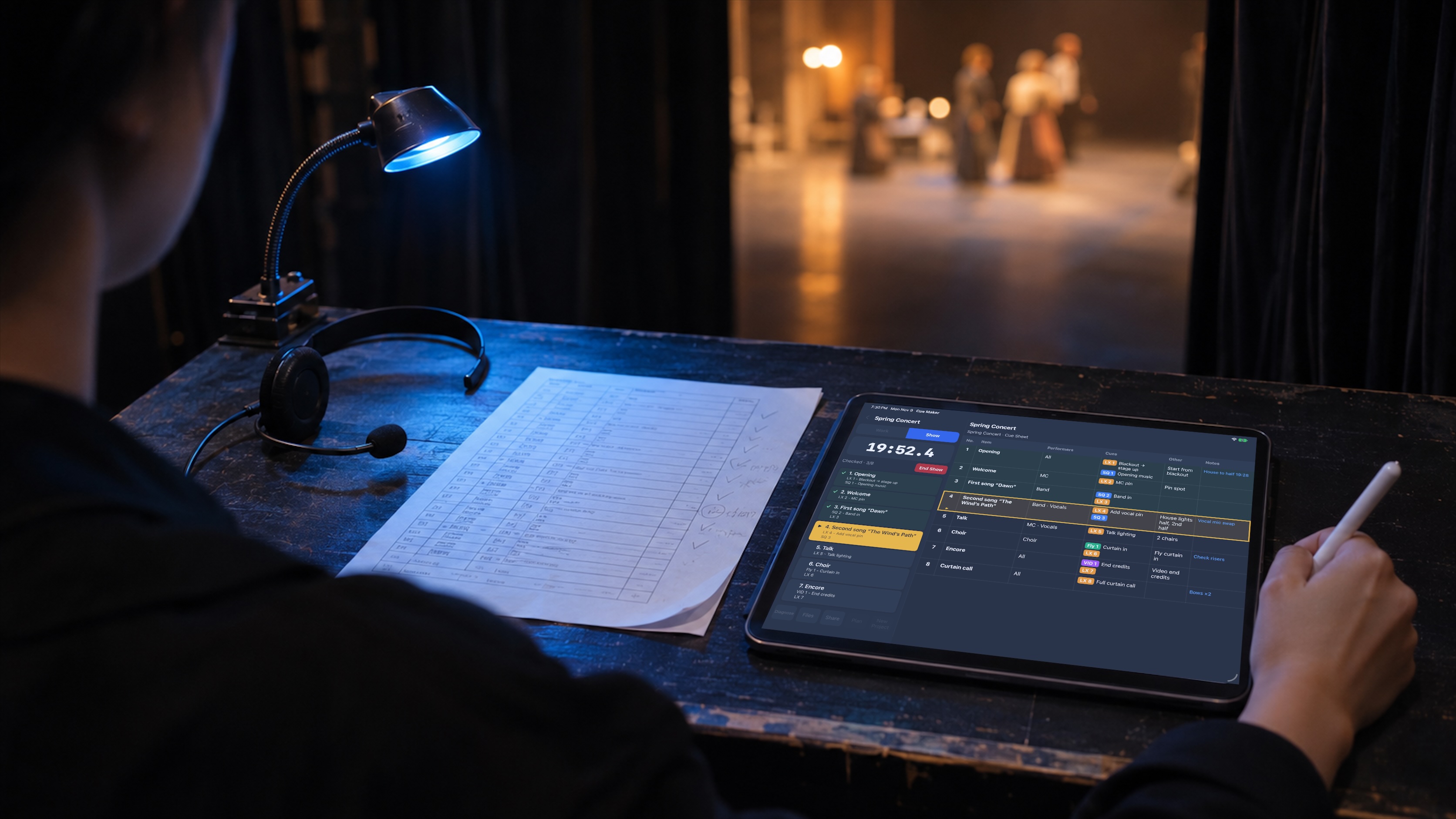
No signal backstage? It works just the same
Everything from writing cues to running the show works without internet. After your subscription renews, just connect once. Install it and start right away with no sign-up, and keep a separate project for each production.
Your scripts and records are saved on your iPad, and they are included when you back up the iPad to iCloud or a computer. If your subscription ends, you can still open past scripts and cues; writing cues, REC and starting a show open again when you resubscribe. There are monthly and yearly plans; see the app's subscription screen for prices and the free trial period.